Organizations and ownership
Keep account ownership separate from instance data access.
An organization owns your Minds and provides the account context for management operations. A namespace capability controls what an application can do inside a particular instance. These are related boundaries, but they are not interchangeable.
Choose an organization
Use the organization selector in the header. The Organizations page lists the organizations the current account can access. Select the intended organization before creating a Mind or reviewing its usage.
If the selector offers only Create organization, do not assume a new organization is required. Open the Organizations page and distinguish an empty list from a lookup error. The initial walkthrough returned an IAM HTTP 404. After the organization-service URL was corrected, a fresh authenticated retest loaded the selected organization and its table successfully.
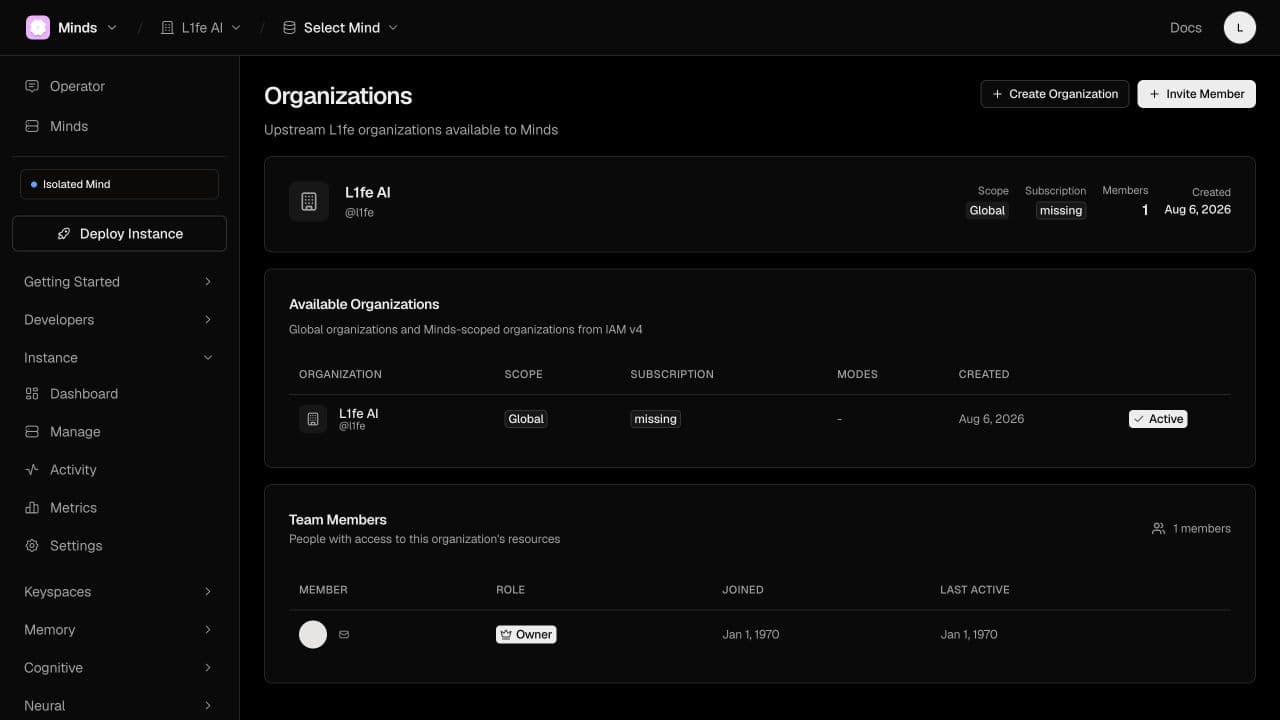
The screenshot also shows unavailable subscription information and placeholder member dates; those values are not verified subscription or membership-history evidence.
Integrate with organization management
Use the platform organization contract for identifiers, membership checks, and request fields. Do not substitute an email address for an organization ID or send another organization's ID based only on a value displayed in a browser.
When diagnosing an access issue, record the signed-in account, selected organization, target instance, and operation separately. Keep the credentials themselves out of support messages.