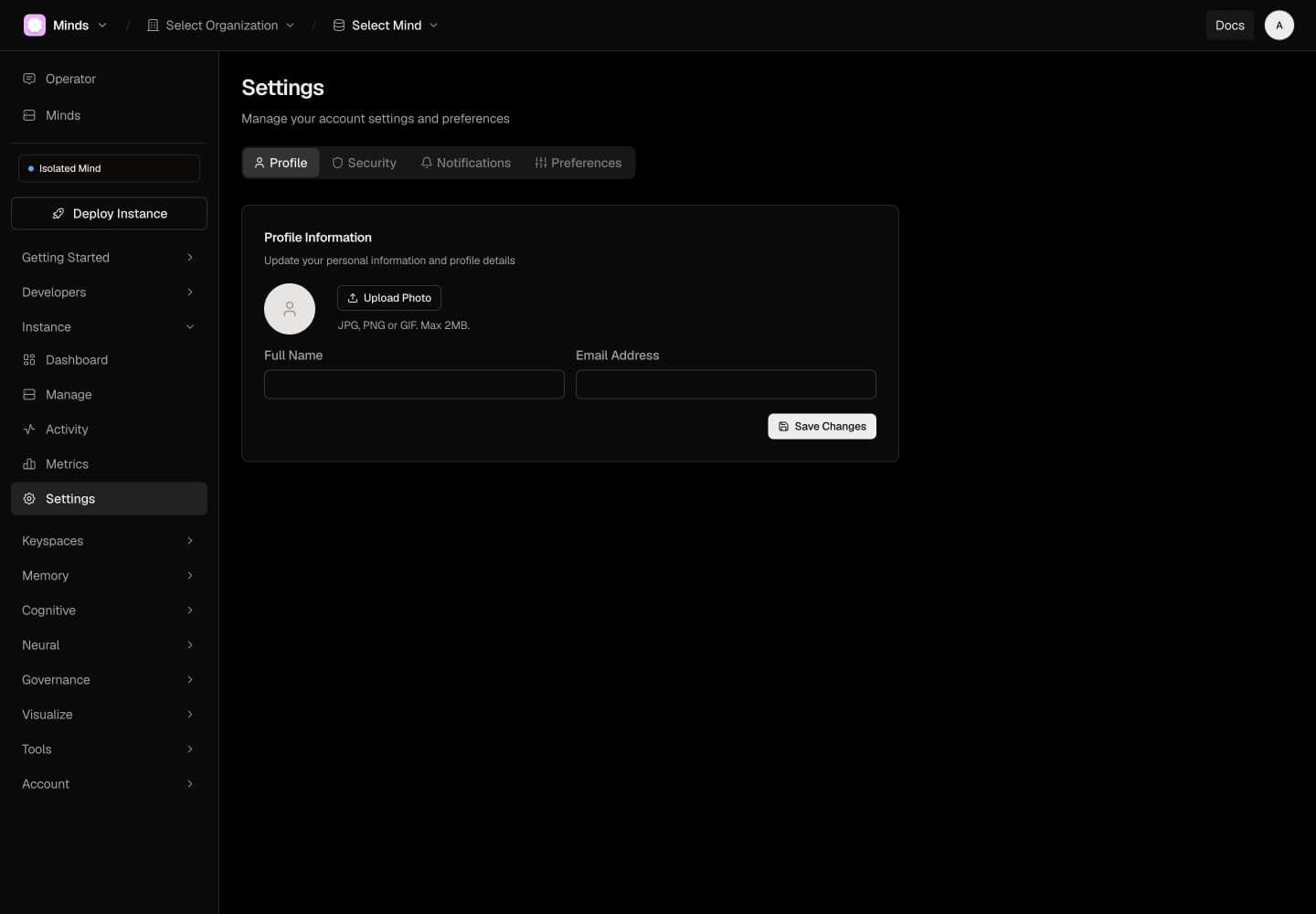
Open Settings to review the account-level controls. The current screen groups them into Profile, Security, Notifications, and Preferences.
Check persistence
After an ordinary preference change, reload the page and confirm the setting remains. For profile and security controls, the identity service must accept and persist the change; a local confirmation message alone is not enough.
The initial adapter audit found suppressed identity-service failures that could produce default profile values or false success. A fix to surface failures has been reported deployed; persistent settings writes have not yet been retested. The documentation walkthrough did not change a password, MFA, billing, or access permissions.
API keys and capabilities
API Keys is a separate account area. A platform API key, an instance capability, and a signed-in browser session serve different purposes. Use the credential required by the target endpoint. Never assume a value labeled API key satisfies x-akasha-capability.